
Getting Started
Follow every step before your first power-on. Your machine's longevity — and your safety — depend on it.
10 Steps Before You Power On
Complete these in order before your first power-on — whether your machine is brand-new or recently acquired.
Unbox and inspect
WarningCarefully remove all components. Check for shipping damage before discarding packaging. Register your machine at shopsmith.com within 30 days.
Read the safety section
Review all safety guidelines in your owner's manual before operating. Keep the manual accessible in your shop.
Assemble the tubes
Connect the main tubes per the assembly diagram. Finger-tighten all collar locks before making final adjustments.
Level the machine
Use a level on the main table to confirm the machine is plumb. Adjust the leveling feet as needed.
Install the headstock
Slide the headstock onto the left tube and lock in position. Confirm the spindle rotates freely by hand.
Attach the table
CautionMount the main table and align it square to the blade. Use the alignment tool included with your machine.
Set the fence
Install the rip fence and confirm it runs parallel to the blade at both the front and rear of the table.
Check the blade guard
CautionInstall and test the blade guard before any cuts. Never operate the table saw without the guard in place.
Make your first test cut
With scrap wood, make a test rip cut at a low speed setting to verify alignment and confirm the machine runs smoothly.
Register and connect
ReadyRegister your machine for warranty coverage and download the Getting Started video series from shopsmith.com.
Safety First
Woodworking is hazardous. Always wear eye protection and use all provided guards and safety devices. If you're unsure how to perform an operation safely, consult your manual or call +1 937-890-5197 before proceeding.
Common Mark V Issues
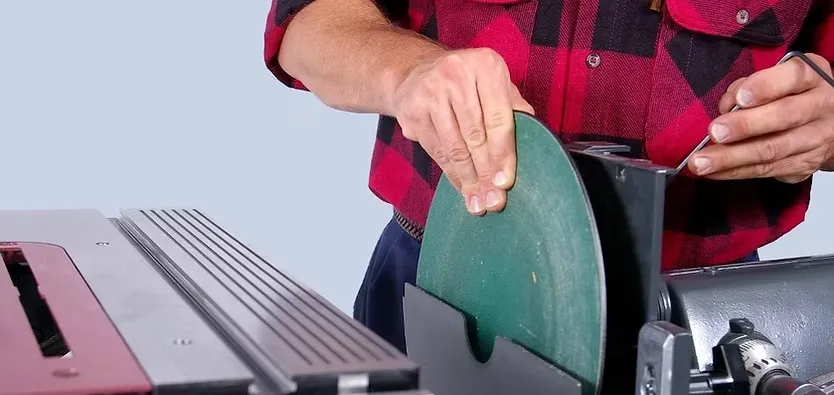
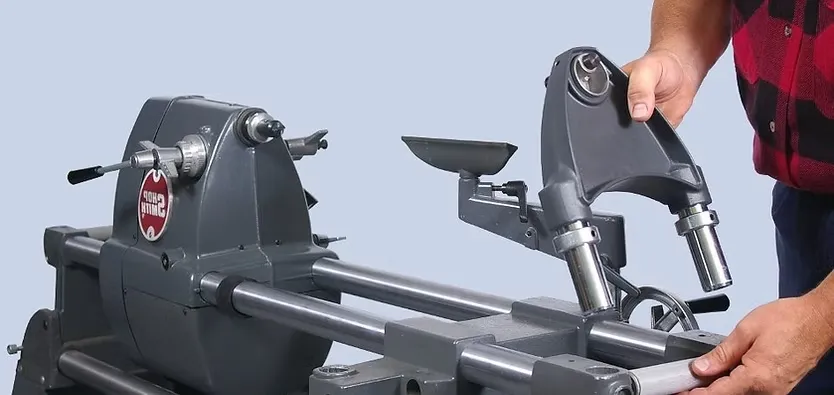
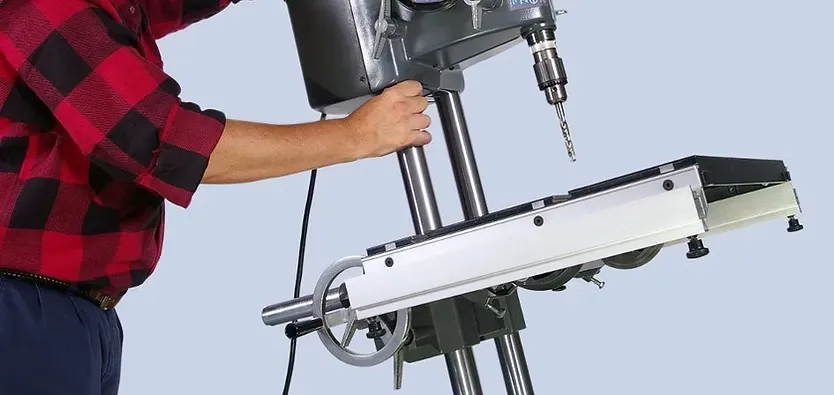
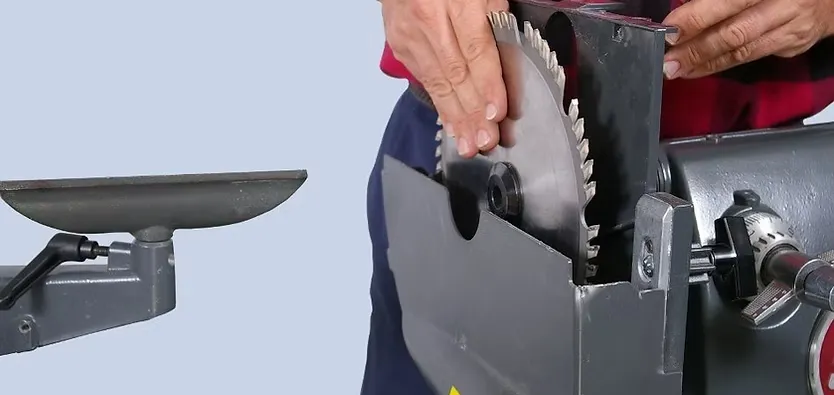
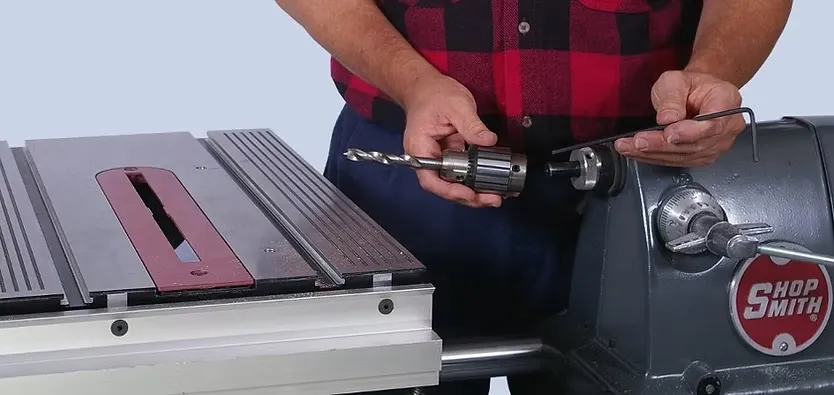
Tool Changes in Seconds
Changeovers become second nature. Most owners stop thinking about them entirely within the first few weeks.
Still have questions?
If your machine won't start or you hit a problem not listed above, call our Customer Service team directly.